
Quản Lý Đám Mây Tập Trung Cho AP Và Switch Của Bạn

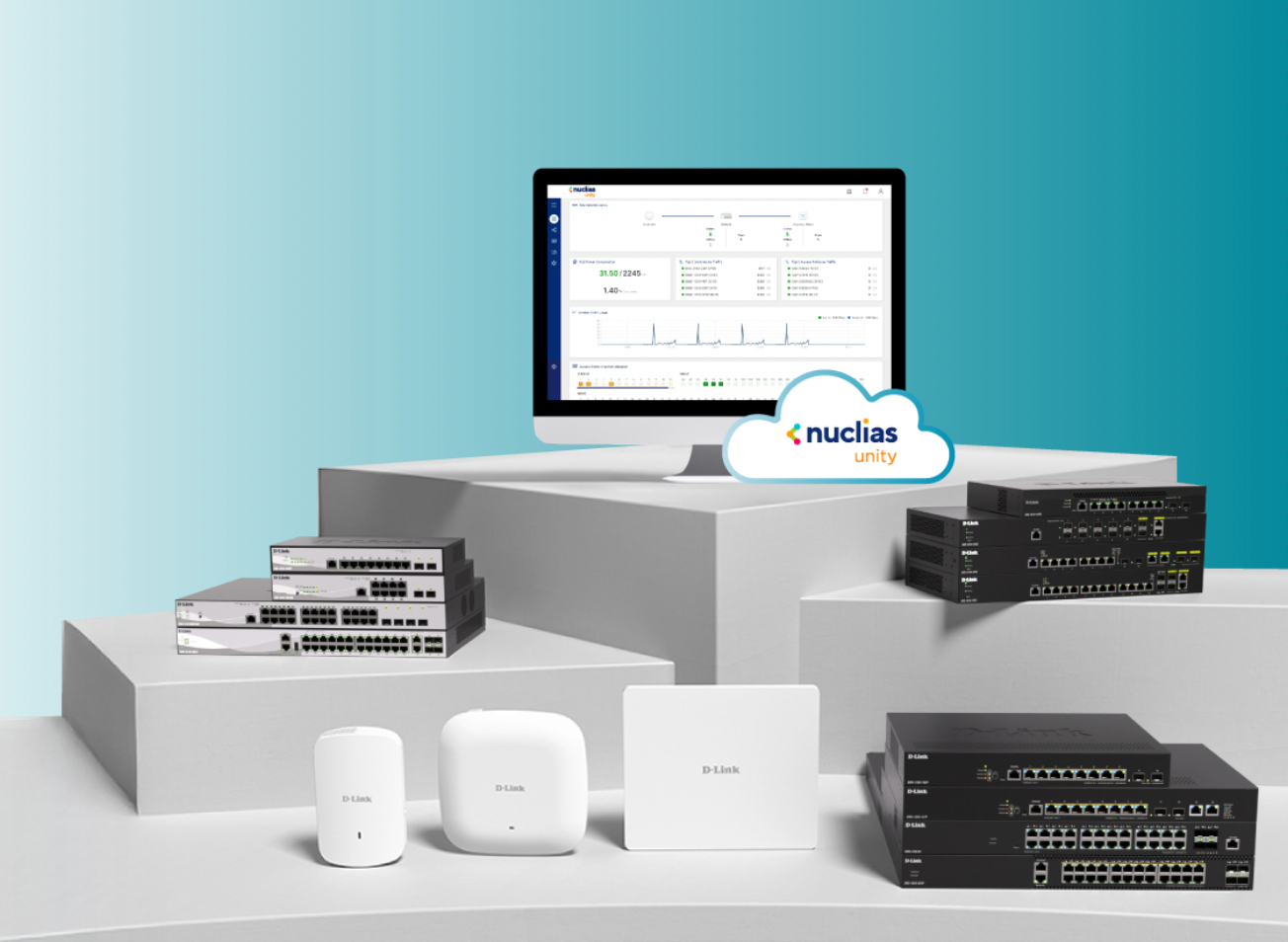
Nuclias Unity là giao diện quản lý tập trung duy nhất dành cho bạn để kiểm soát toàn bộ mạng dựa trên nền tảng đám mây. Hợp nhất việc thiết lập, giám sát và bảo mật cho tất cả các AP và Switch của bạn bằng một bảng điều khiển trực quan. Trực quan hóa toàn bộ mạng của bạn trên sơ đồ mạng thời gian thực, đẩy các cấu hình tập trung chỉ với một cú nhấp chuột và nhận các cảnh báo một cách chủ động. Triển khai nhanh hơn, khắc phục sự cố thông minh hơn, đơn giản hóa công việc CNTT của bạn giúp bạn tiết kiệm thời gian.

Vận hành mạng mà không phụ thuộc phần cứng

Kiểm soát mạng đơn giản hóa. Đạt được độ tin cậy và sự ổn định chuẩn doanh nghiệp mà không tốn chi phí và sự phức tạp của phần cứng vật lý. Đơn giản, bảo mật và được thiết kế dễ dàng để vận hành.

Kiểm soát truy cập dựa trên phân quyền

Cấp các quyền hạn chính xác và ghi nhận mọi thay đổi trong các nhật ký kiểm soát rủi ro chi tiết, Đáp ứng tính minh bạch, đơn giản hóa trong việc báo cáo, và khả năng triển khai bảo mật có thể mở rộng—một cách tự động.

Triển khai hạ tầng mạng, trong một chạm.

Cấu hình một lần và triển khai ở mọi nơi. Tự động hóa các chính sách mạng nhất quán trên tất cả các chi nhánh chỉ trong vài giây, loại bỏ các lỗi cấu hình thủ công ở bất kỳ quy mô vận hành nào.

Tinh gọn hóa quản lý mạng toàn diện

Nuclias Unity cung cấp khả năng hiển thị sơ đồ trực quan, theo thời gian thực, và khả năng kiểm soát tập trung, cùng với Wi-Fi Planner Pro và các công cụ truy cập chi tiết cho các vận hành mạng hiệu quả, bảo mật.

Quản lý truy cập Người Dùng và Khách.

Phân chia WIFI, VLANs, và Cài đặt port, cùng với việc quản lý truy cập của khách bằng cách giới hạn tốc độ tích hợp sẵn thông qua web đăng nhập (captive portals). Giữ cho lưu lượng truy cập của khách được tách biệt, bảo vệ mạng nội bộ của bạn, và cung cấp Wi-Fi cho khách tiện lợi mà không làm ảnh hưởng đến bảo mật.

Chẩn Đoán Mạng Thông Minh


Bảng điều khiển trạng thái cung cấp cho bạn cái nhìn tổng quan nhanh về trạng thái thiết bị, các lỗi giao diện và khả năng kết nối. Các bài kiểm tra tích hợp sẵn như ping, traceroute và bắt gói tin từ xa giúp bạn khoanh vùng các sự cố mà không cần đến tận nơi. Nhật ký lịch sử và mốc thời gian diễn ra sự kiện giúp phát hiện các vấn đề lặp lại để bạn có thể xử lý triệt để nguyên nhân gốc rễ, thay vì chỉ giải quyết phần ngọn.

Nuclias Unity App & Proxy

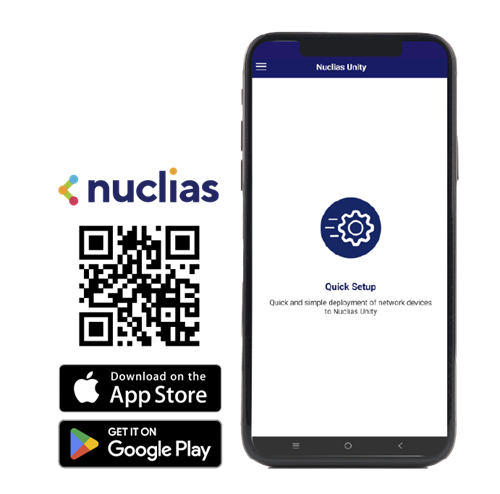
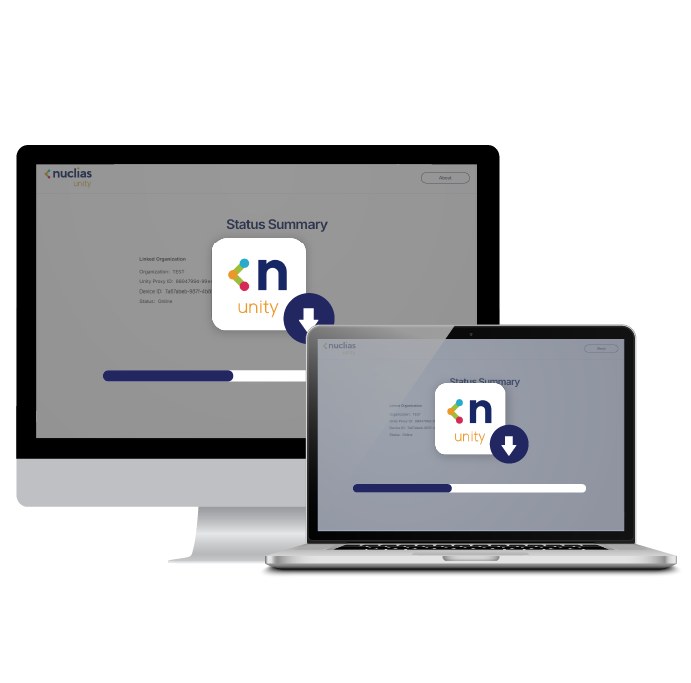
Sử dụng Ứng dụng Nuclias Unity để phát hiện thiết bị cục bộ mới hằng loạt một cách nhanh chóng, đồng thời dựa vào Unity Proxy trên máy tính để liên kết an toàn các thiết bị với đám mây thông qua một dịch vụ trung gian bảo mật.

Quản Lý Nhiều Tổ Chức Và Chi Nhánh Từ Một Nơi

Xem và kiểm soát tất cả chi nhánh, khách hàng, và các địa điểm trên cùng bảng điều khiển, mà vẫn giữ các tổ chức tách biệt rõ ràng. Sự rõ ràng ở mọi quy mô, hoàn hảo cho các nhu cầu của nhà cung cấp dịch vụ và doanh nghiệp nhiều chi nhánh.

Nuclias Unity Applications

Nuclias Unity App

The Nuclias Unity App combines local device discovery with intuitive Batch Adoption, allowing for the quick and efficient onboarding of multiple devices to your chosen Org and Site.

Nuclias Unity App

Nuclias Unity Proxy

Unity Proxy is a software agent designed specifically for the Nuclias Unity platform, acting as a secure intermediary between cloud servers and devices. Tailored for specific network architectures, simply install it on a system supporting Windows 10 (64-bit) or later to quickly activate the cloud bridging service.

Download Unity Proxy

Nuclias Unity

Resources

FAQs

Deployment & Configuration

If the device loses internet connection, what happens?

The data traffic won't be impacted when the device is lost management, and the console of Nuclias Unity will be displayed as offline for those devices are not able to access the Intern.

Does Nuclias Unity support multi-site management?

Yes. Nuclias Unity supports multi-site management and provides a management architecture with at least two layers: Organization and Site.

What are the scalability limits in Nuclias Unity free version regarding devices, organizations, sites, and administrator accounts?

Nuclias Unity offers unlimited scalability for network deployment, but there are specific system limits to note.

  • Devices, Organizations, and Sites: Unlimited. You can manage an unlimited number of devices across unlimited organizations and sites without restriction.
  • Administrator Accounts: Limited to a maximum of 6 accounts per organization.
  • Event & Log Retention: Limited to 7 days.

Device Compatibility

Do existing devices that support Nuclias Unity require a specific firmware update for cloud management?

Yes. For supported products already shipped, users must first ensure the device is updated to the required Nuclias Unity-compatible firmware (Unity-compatible FW). After the firmware update, simply perform a factory reset on the device to adopt it into Nuclias Unity for management.

Software & App

What is Nuclias Unity APP?

The Nuclias Unity App is available on Android and iOS, primarily supporting the device provisioning function.

What is Unity Proxy?

Unity Proxy is a software appliance. To use it, you must install the Nuclias Unity Proxy software on a system running Windows 10 or a later version (64-bit)

What happens if a Unity Proxy-managed device's IP address changes?

If a device under Unity Proxy management undergoes an IP address change, the connection to the proxy will be interrupted. To regain full control and restore reliable communication, the device must be re-onboarded using its new IP address.

What should I do if Unity Proxy cannot discover my devices?

If Unity Proxy is unable to discover your network devices, we recommend following these troubleshooting steps to resolve the issue:

  1. Reinstall Npcap (Version 1.75): The DDP layer 2 device discovery relies on a third-party component called Npcap. If scanning fails, we suggest completely uninstalling your current Npcap and reinstalling Npcap version 1.75.
  2. Restart the Proxy Service: After reinstalling Npcap, you must restart the Nuclias Unity Proxy service to successfully reactivate the DDP layer 2 discovery function.
  3. Verify PC Firewall Settings: Ensure that the "Private network" firewall on the PC hosting the Unity Proxy is turned off. An active firewall can block local connectivity and prevent the proxy from discovering devices.

Need Some Help?

Connect with our enterprise experts for tailored solutions today!